

MCAD assembly#
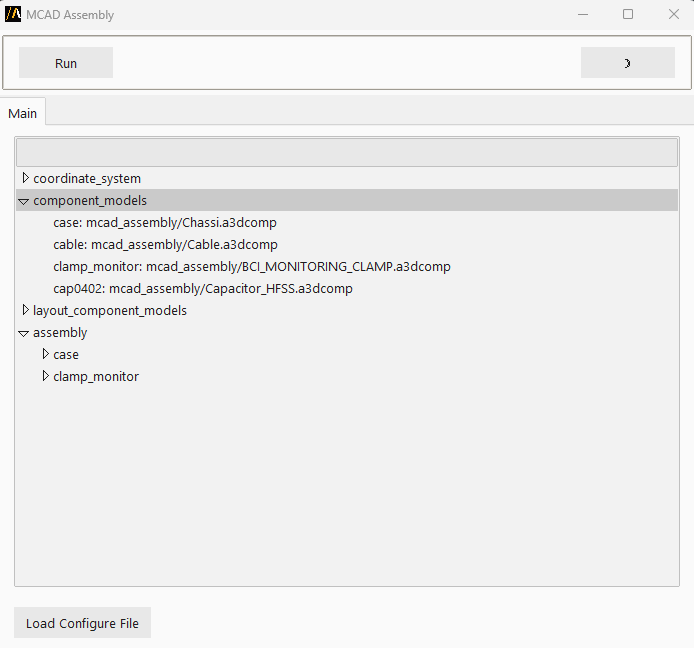
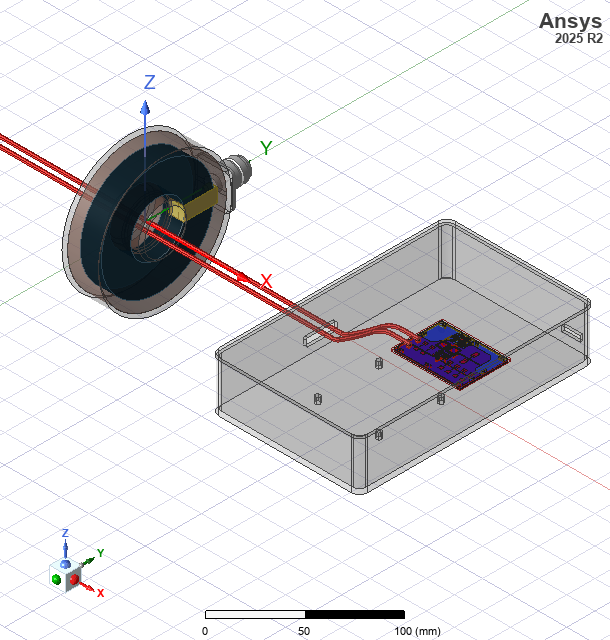
With this extension, you can assemble 3D components, 3D layout components in HFSS 3D from a predefined configure file.
The following image shows the extension GUI:
Features#
Assemble 3D components and 3D layout components in HFSS 3D from a predefined configure file.
Using the extension#
1, Create an empty HFSS 3D design.
2. Open the Automation tab in the HFSS interface.
3. Locate and click the MCAD Assembly icon under the Extension Manager.
4. Load a configure file in json format. The content of the file is displayed in the UI.
5, Click Run. The assembly is created in the design.
Example configuration file#
See an example configuration file in JSON format in Configuration file for MCAD assembly.